Book Review: Sprint: How to Solve Big Problems and Test New Ideas in Just Five Days
I told myself at the start of the year that I'll spend more time writing down reviews/notes for the books I read. Reading books lately has become a counter-doomscroll habit for me, however, I often breeze through books and switch to the next one without fully digesting the content. This is my attempt to slow down and reflect more on what I read.
You can find my previous review for the book 'Measure What Matters' here.
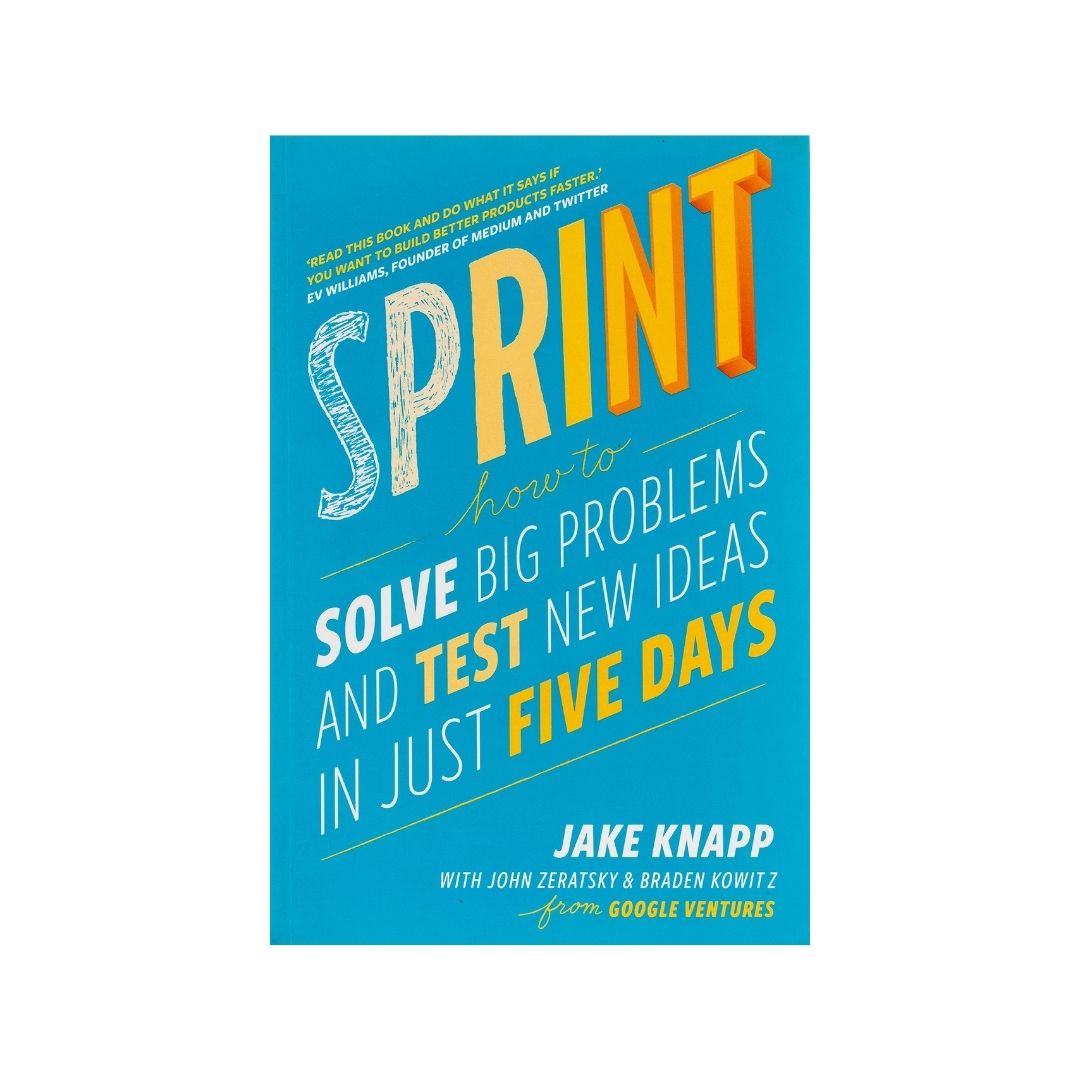
Overview
The book follows the story of a team at Google Ventures, detailing their process of helping nascent startups find product-market fit or build their MVPs, all by following "sprints" – a structured five-day process for solving big problems and testing new ideas. For those in the software world, sprints are not a new concept, however what I felt was that the core essence of the sprint was lost overtime as things were cut down and simplified for broader adoption. The book does a great job of illustrating the power of focused, time-boxed problem-solving and the importance of structured collaboration within teams.
At the end, I wanted to outline a framework I want to adopt to fit my hybrid work environment (3 days in office, 2 days remote). And hopefully, some time down the line I'll blog about how that panned out.
Running a Sprint
The Design Sprint replaces the traditional build-and-launch cycle with a high-speed shortcut:
Instead of spending months developing a minimum viable product (MVP) to test viability in the market, a cross-functional team of 7 or fewer people dedicates five distraction-free days (10 AM to 5 PM) to focus on a single high-stakes problem.
Prerequisites
Make sure that your stakeholders and resources are sorted out before commencing a sprint. Here's what you need to have in place:
- The Decider: A clear decision-maker (founder, VP, product lead) who breaks ties and makes final calls.
- The Team (Max 7): Decider, Facilitator, Designer, Tech/Engineer, Customer Support, Marketing/Growth, and Finance/Data.
- Logistics: Two large whiteboards, sticky notes, markers, and a strict no-device rule (laptops/phones only outside the room or during dedicated breaks).
Monday: Understand and Map the Problem
The objective is to define the playing field, understand the domain, and isolate a critical bottleneck.
- **Set a Long-Term Goal: Ask, "Why are we doing this project, and where do we want to be in six months or a year?" Write this prominently at the top of the board.
- List Sprint Questions: List the pessimistic questions: "What could cause this to fail? What assumptions must hold true?" Turn these into concrete test targets.
- Draw the Map: Diagram a simple, linear user journey from initial discovery to the core goal (keep it between 5 and 15 steps).
- Ask the Experts & Capture "How Might We" (HMW): Interview internal experts (30 minutes each). Team members write pain points and opportunities on sticky notes framed as "How Might We…?"
- Organize and Vote on HMWs: Group notes by theme and use dot voting to identify high-potential areas. Place winning HMW notes directly onto the relevant stages of the user map.
- Pick the Target: The Decider chooses one primary customer segment and one focal step on the map as the target for the rest of the week.
Tuesday: Sketch Solutions
The objective is to move from abstract problem framing to concrete, competing ideas using structured individual work rather than group brainstorming.
- Lightning Demos: Research existing products, competitors, or out-of-industry solutions. Team members give rapid 3-minute demos of features they admire; the facilitator sketches quick capturing notes.
- Divide or Swarm: Decide whether the whole team sketches for the primary target step or if someone tackles adjacent flows.
- The Four-Step Sketch Method:
- Notes (20 min): Walk around the room gathering notes on the goal, map, and lightning demos.
- Ideas (20 min): Jot down rough concepts, doodles, and headlines.
- Crazy Eights (8 min): Fold a blank sheet of paper into eight rectangles; sketch eight distinct variations of an idea in 8 minutes (1 minute per pane).
- Solution Sketch (30–45 min): Create a detailed, anonymous 3-panel storyboard on paper with clear copywriting and a catchy title. It must be self-explanatory without a presenter.
Wednesday: Decide & Storyboard
The objective is to objectively critique all sketches, select the winning direction, and map out the exact prototype flow.
- Sticky Decision Process:
- Art Museum: Tape all anonymous solution sketches to the walls.
- Heat Map: Team members silently place 20–30 small dot stickers on parts of sketches they find compelling.
- Speed Critique: Walk through each sketch (3 minutes each), discussing highlighted sections while the creator remains silent.
- Straw Poll: Everyone places one large vote sticker on their favorite overall concept.
- Supervote: The Decider places final binding vote stickers (they can follow the team or pick a bold outlier).
- Rumble vs. All-in-One: If two distinct ideas cannot be combined, plan a head-to-head "Rumble" with two contrasting fake brands.
- Build the Storyboard: Fill a grid of 10–15 squares on the whiteboard. Start with the opening scene (e.g., Google search result, App Store listing, email invite) and script every click, field, and screen leading to the target outcome. Avoid creating new ideas here—only stitch together chosen sketches.
Thursday: Prototype (The Facade)
The objective is to build a realistic prototype using the "Goldilocks Quality" principle: real enough to get honest user reactions, but superficial enough that it took only one day to build.
- Assign Dedicated Roles:
- Makers (2–3): Build UI screens, slides, or digital artifacts.
- Stitcher (1): Connects assets, verifies consistent typography, alignment, and navigation flow.
- Writer (1): Crafts realistic text and marketing copy (no lorem ipsum).
- Asset Collector (1): Pulls stock photos, icons, brand colors, and sounds.
- Interviewer (1): Finalizes Friday's interview script and sets up test hardware/video feeds.
- Recommended Prototyping Tools: Figma, PowerPoint, AI tools, or 3D mockups using foam/existing parts for hardware.
- Trial Run: Run a full walk-through by 3:00 PM to catch missing links, typos, or flow gaps before Friday.
A lot of the dedicated roles can be offloaded to AI tools, and that I think makes sprints more accessible today for smaller teams or individuals who want to run a condensed version of the process. Understand that the AI is a helper, not a replacement for human judgment and creativity, and it should be used to augment the team's capabilities rather than replace critical thinking and decision-making.
Friday: Test & Learn
The objective is to test the prototype 1-on-1 with 5 target customers to expose critical patterns and validate sprint questions.
- The Rule of 5: Five user interviews reveal roughly 85% of usability and concept problems; additional interviews yield diminishing returns.
- Setup: The Interviewer sits in a private room with the customer. The remaining team members sit in another room watching a live video feed.
- The 5-Act Interview:
- Friendly Welcome: Build rapport and explain that you are testing a prototype, not them.
- Context Questions: Learn about their background, daily workflow, and current pain points.
- Introduce Prototype: Remind them it’s an early concept, some parts won’t work, and candid criticism is welcome.
- Tasks & Nudges: Watch them navigate the prototype without coaching: "What do you think this screen is for? What would you click next?"
- Quick Debrief: Ask summary questions: "How does this compare to what you use today? What was the most confusing part?"
- Scoreboard Matrix: Create a grid on the whiteboard: rows for each prototype feature/sprint question and columns for each customer (1 to 5). Note positive reactions in green, negative/confused reactions in red, and neutral observations in blue. Look for recurring patterns across all 5 users.
Retooling for Hybrid Worksetups
| Day | Mode | Core Focus | Why This Mode Fits |
|---|---|---|---|
| Monday | WFH (Remote) | Problem Framing, Map & Lightning Demos | Experts can dial in easily; lightning demo research happens naturally on personal workstations. |
| Tuesday | WFO (In-Person) | Solution Sketches & Anonymous Voting | Sketching on paper, physical Art Museum sticky-dot voting, and rapid in-person critique without screen fatigue. |
| Wednesday | WFO (In-Person) | Decider Supervote & Full Storyboarding | High-friction alignment: debating edge cases and mapping the 10–15 step storyboard directly on whiteboards. |
| Thursday | WFO (In-Person) | Rapid Prototyping & Trial Run | High-bandwidth pairing between makers, copywriters, and stitchers to avoid cross-tool pinging; 3 PM live dry run. |
| Friday | WFH (Remote) | User Testing & Video Debrief | Testing customer software/screens remotely mimics natural user conditions; observation room works seamlessly over video call. |
If your team operates in a hybrid setup, this schedule ensures that high-collaboration activities happen in person, while tasks that benefit from focused individual work are done remotely. This balance helps maintain productivity, engagement, and alignment across the week. This particular aspect was emphasized in the book as well about finding a balance between individual focus time and collaborative sessions, how the exclusive time alone can foster deep thinking, creativity, and uninterrupted progress on complex tasks, this I think works really well today in modern work environments where hybrid setups are increasingly common.
For tools, pick what you have been using, and explore a few options and see what your workplace offers. I like homebrew solutions, so I'll often combine simple scripts with off-the-shelf tools to create a workflow that fits our hybrid setup. This might include automating repetitive tasks, integrating communication platforms, and ensuring that both remote and in-person team members can seamlessly collaborate without friction.
Conclusion
This was one of the few books in a long time that felt like a practical guide (it also has a workbook component towards the end that neatly packs FAQs, checklists, and a lot of pictures from actual discussions over at Google Ventures, along with some interesting stories from that time), rather than the author's musings. I took my time reading this instead of just blitzing through it, and I found myself frequently pausing to reflect on how the strategies could be applied to my own work and team dynamics.
Up next I'm looking to pick up Andy Grove's High Output Management.
// Enjoyed this post?
Help others discover it by sharing on your favorite platform.